Avery Sen
Software Engineer, Platform Reliability and Developer Experience
- avery.sen@northmail.dev
- +44 20 7946 0382
- Leeds, UK
- linkedin.com/in/avery-sen-platform
- portfolio.averysen.dev/release-health-dashboard-and-observability-rollout
Professional Summary
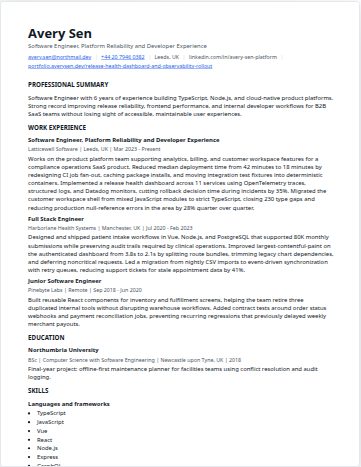
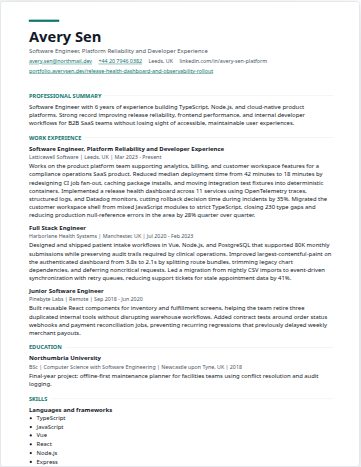
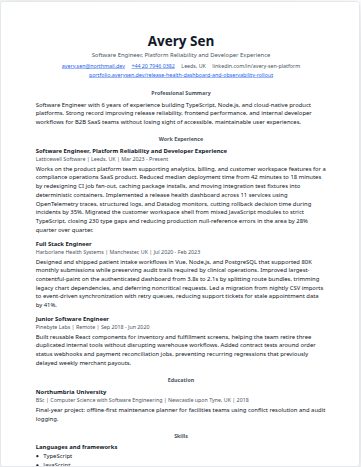
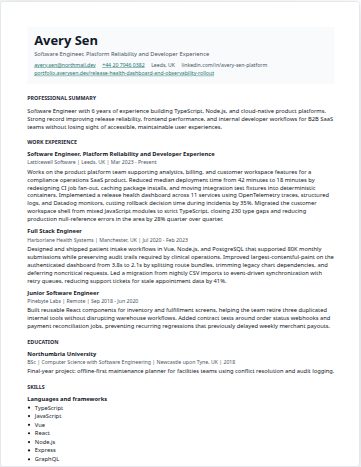
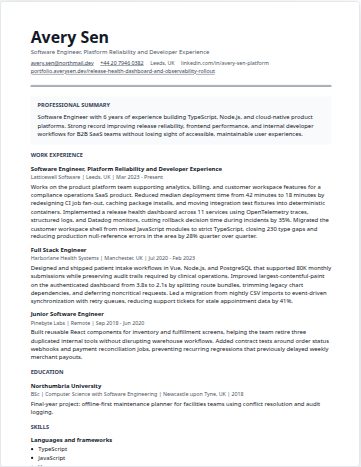
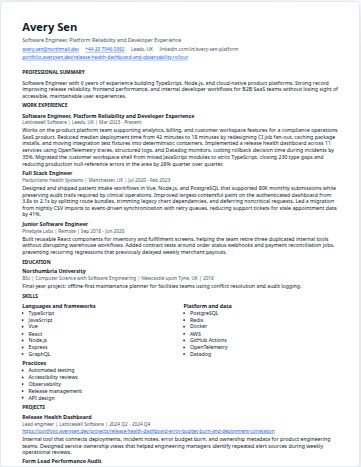
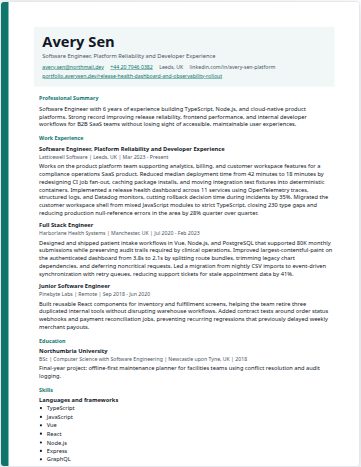
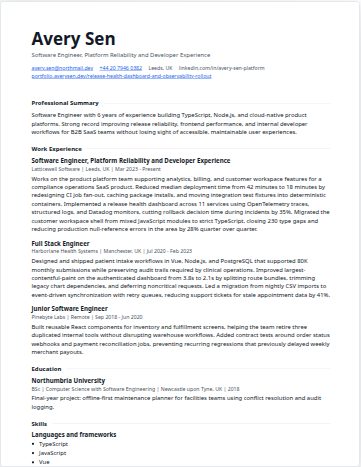
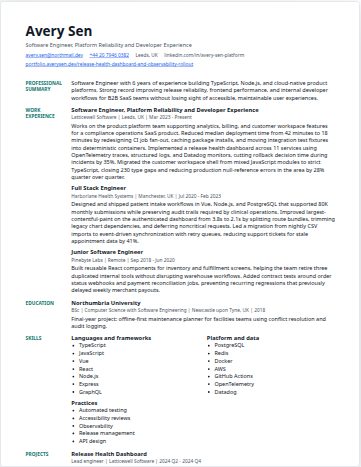
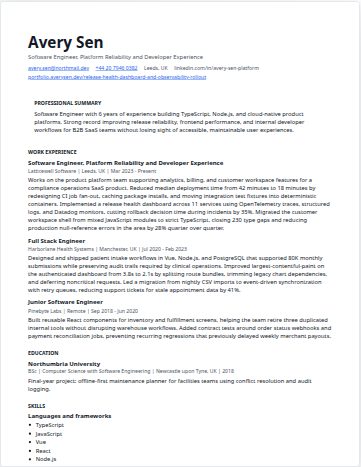
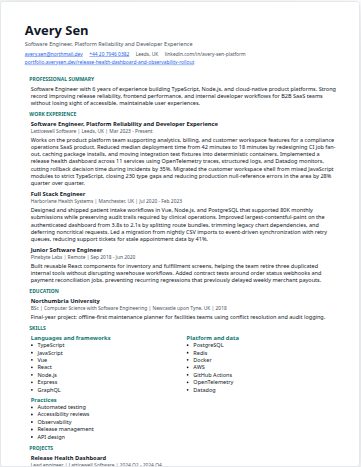
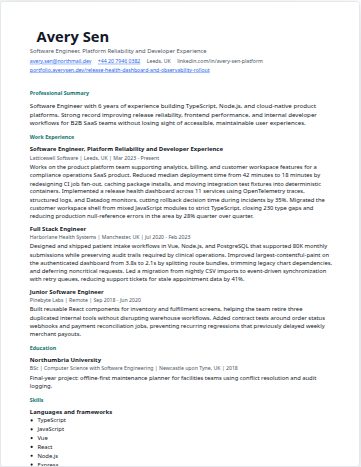
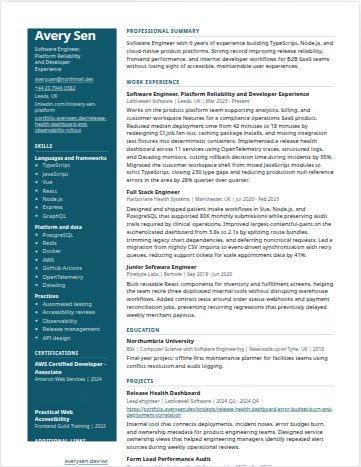
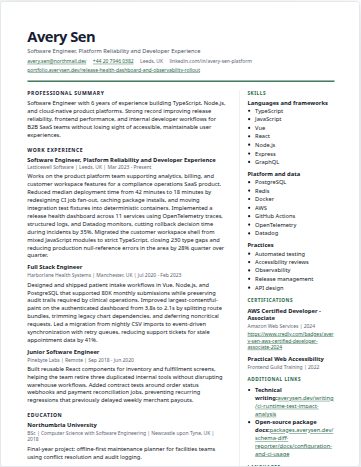
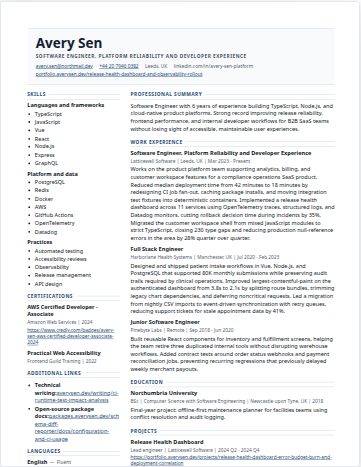
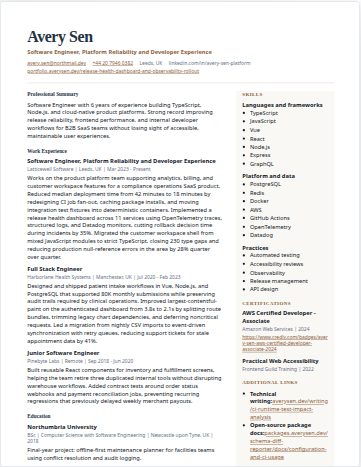
Software Engineer with 6 years of experience building TypeScript, Node.js, and cloud-native product platforms. Strong record improving release reliability, frontend performance, and internal developer workflows for B2B SaaS teams without losing sight of accessible, maintainable user experiences.
Work Experience
Software Engineer, Platform Reliability and Developer Experience
Works on the product platform team supporting analytics, billing, and customer workspace features for a compliance operations SaaS product. Reduced median deployment time from 42 minutes to 18 minutes by redesigning CI job fan-out, caching package installs, and moving integration test fixtures into deterministic containers. Implemented a release health dashboard across 11 services using OpenTelemetry traces, structured logs, and Datadog monitors, cutting rollback decision time during incidents by 35%. Migrated the customer workspace shell from mixed JavaScript modules to strict TypeScript, closing 230 type gaps and reducing production null-reference errors in the area by 28% quarter over quarter.
Full Stack Engineer
Designed and shipped patient intake workflows in Vue, Node.js, and PostgreSQL that supported 80K monthly submissions while preserving audit trails required by clinical operations. Improved largest-contentful-paint on the authenticated dashboard from 3.8s to 2.1s by splitting route bundles, trimming legacy chart dependencies, and deferring noncritical requests. Led a migration from nightly CSV imports to event-driven synchronization with retry queues, reducing support tickets for stale appointment data by 41%.
Junior Software Engineer
Built reusable React components for inventory and fulfillment screens, helping the team retire three duplicated internal tools without disrupting warehouse workflows. Added contract tests around order status webhooks and payment reconciliation jobs, preventing recurring regressions that previously delayed weekly merchant payouts.
Education
Northumbria University
Final-year project: offline-first maintenance planner for facilities teams using conflict resolution and audit logging.
Skills
Languages and frameworks
- TypeScript
- JavaScript
- Vue
- React
- Node.js
- Express
- GraphQL
Platform and data
- PostgreSQL
- Redis
- Docker
- AWS
- GitHub Actions
- OpenTelemetry
- Datadog
Practices
- Automated testing
- Accessibility reviews
- Observability
- Release management
- API design
Projects
Release Health Dashboard
Internal tool that connects deployments, incident notes, error budget burn, and ownership metadata for product engineering teams. Designed service ownership views that helped engineering managers identify repeated alert sources during weekly operational reviews.
Form Load Performance Audit
Profiled dynamic validation rules and reduced blocking JavaScript on high-traffic intake forms by 31KB after compression.
Certifications
AWS Certified Developer - Associate
Practical Web Accessibility
Additional Links
- Technical writing:averysen.dev/writing/ci-runtime-test-impact-analysis
- Open-source package docs:packages.averysen.dev/schema-diff-reporter/docs/configuration-and-ci-usage
Languages
- EnglishFluent
- HindiVery Good
- SpanishModerate
Awards
- Engineering Reliability Award, Latticewell Software, 2025 - recognized for reducing release risk across shared services.
- Accessibility Champion, Harborlane Health Systems, 2022 - documented review checklist adopted by three product squads.
Volunteer Experience
Mentor
Review portfolios and practice projects for early-career developers, focusing on readable pull requests, testing habits, and accessible interfaces.